Client URL (cURL) is a command line tool that enables data exchange between a device and a server through a terminal. Using this command line interface (CLI), a user specifies a server URL (the location where they want to send a request) and the data they want to send to that server URL.
Basically it is a way to call Verato APIs using terminal instead of Postman or SoapUI.
Customers can leverage the cURL command in the following scenarios:
- If you are not able to install applications like Postman in the integration layer/infrastructure and instead want to use terminal commands for calling APIs.
- If you want a quick and easy way to access APIs at the command line level for quick tests that doesn’t require the full installation of Postman, SoapUI, etc.
- Username.
- Password.
- Certificate.
- Certificate password.
- IPs must be added to Verato’s allowed list.
- URL.
curl --cert <.cer cert> --key <.pem cert> --user 'api_user:api_password' \
  --url https://custXXXX.verato-connect.com/link-ws/svc/<request_type> \
--data '<request_body>'Request
curl --cert verato.customer.service.cer --key verato.customer.service.pem --user user:password \
--url https://umpi-int-sandbox.verato-connect.com/link-ws/svc/nativeIdQuery \
--data '{"trackingId":"","content":{"responseIdentityFormatNames":["DEFAULT"],"source":{"name":"epic.demo","id":"987456"}}}'
Successful Response
{
  "success": true,
  "message": "Could not find entity with nativeId 987456 and source epic.demo",
  "content": {},
  "trackingId": "",
  "auditId": "6bb68155-7aac-43a7-ad38-880fe14a20a5",
  "retryableError": false
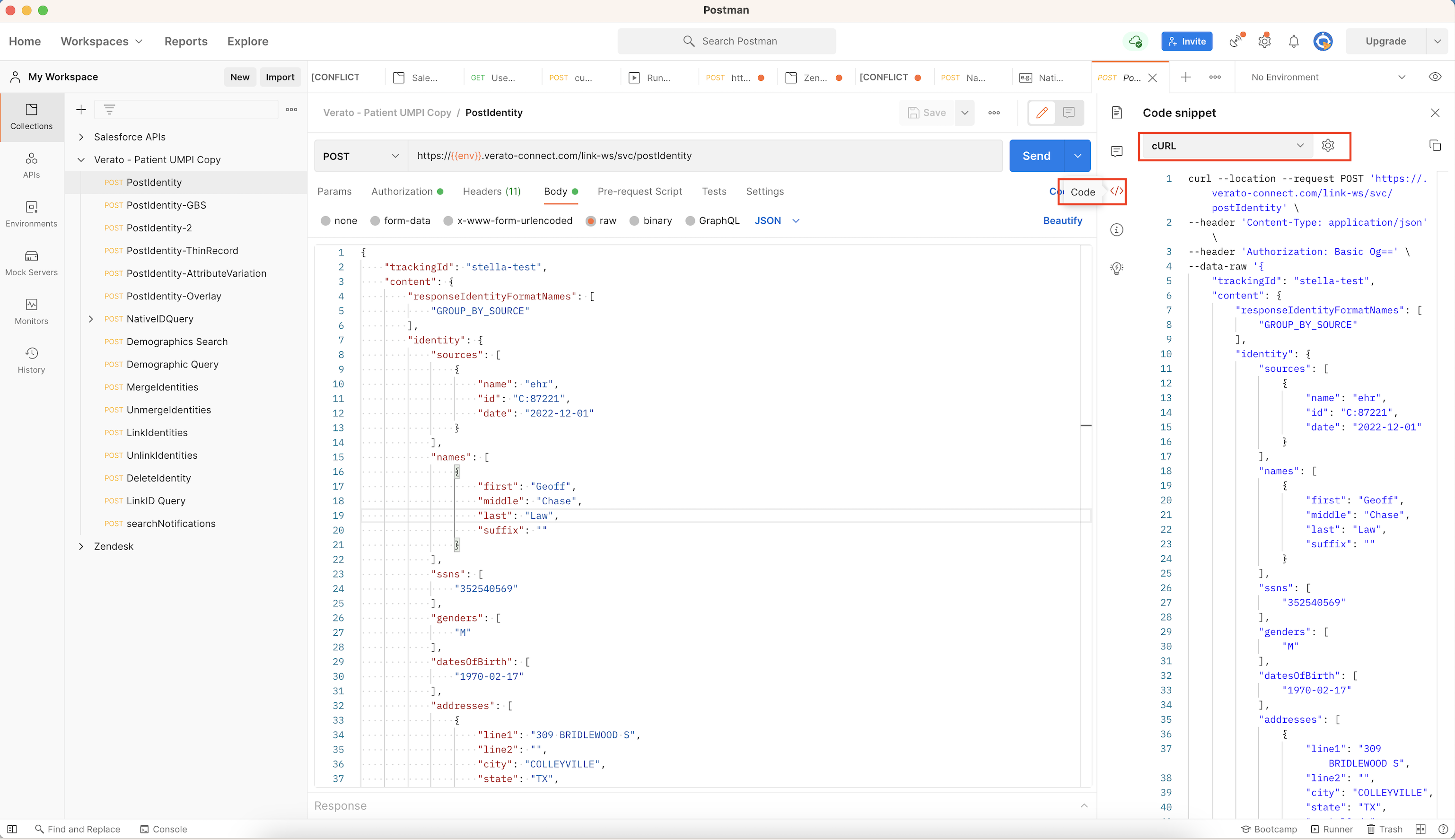
}In newer versions of Postman, you can easily convert a postman request into a curl command using the following technique:
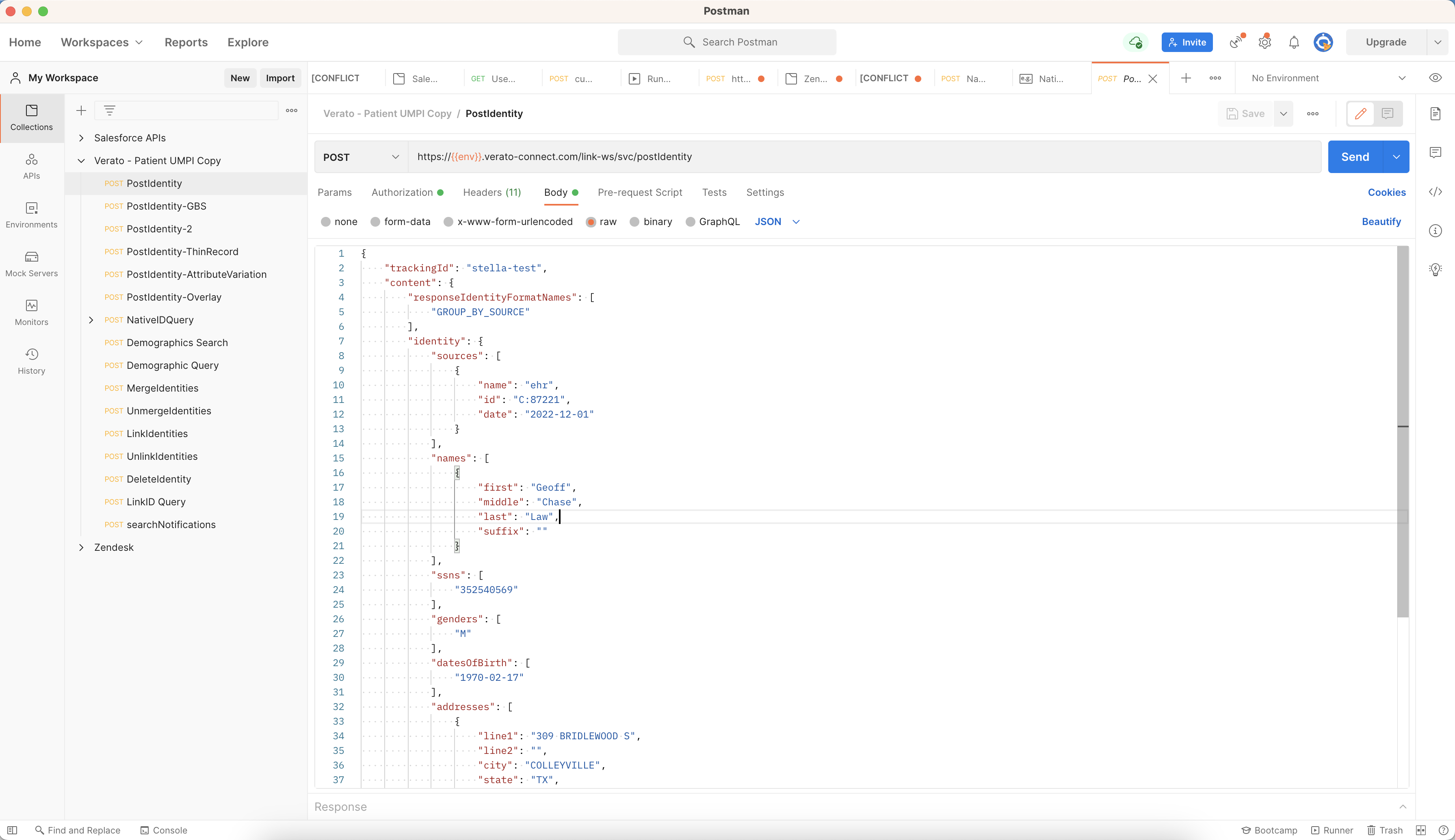
The Postman version in the screenshots below is Version 8.12.4.
- Request Body on Postman:
- If your password contains special characters include it in quotes 'password'. You might receive the following error message: - bash: xxxpasswordxx: event not found
- If the password is incorrect, you will receive a 401 - Unauthorized error message:

